
Install the ChopUp iOS beta
ChopUp is live on TestFlight for iPhone users. Open the invite on your Apple device, join the beta, and start testing wallet onboarding, group savings, deposits, and notifications.
Install TestFlight
Download Apple's TestFlight app from the App Store if it is not already on your iPhone.
Open the invite
Tap the public beta link below on your Apple device to join the ChopUp beta.
Start testing
Install the latest build and run through onboarding, wallets, savings groups, and payouts.
Before you join
- Use an iPhone or iPad. TestFlight does not run on Android.
- Make sure you are signed into the App Store with your Apple ID.
- Keep feedback coming through the app or the website feedback page if you hit issues.
Install TestFlight first
If TestFlight is not already on your iPhone, install it from the App Store first. Then come back here and open the ChopUp invite link.
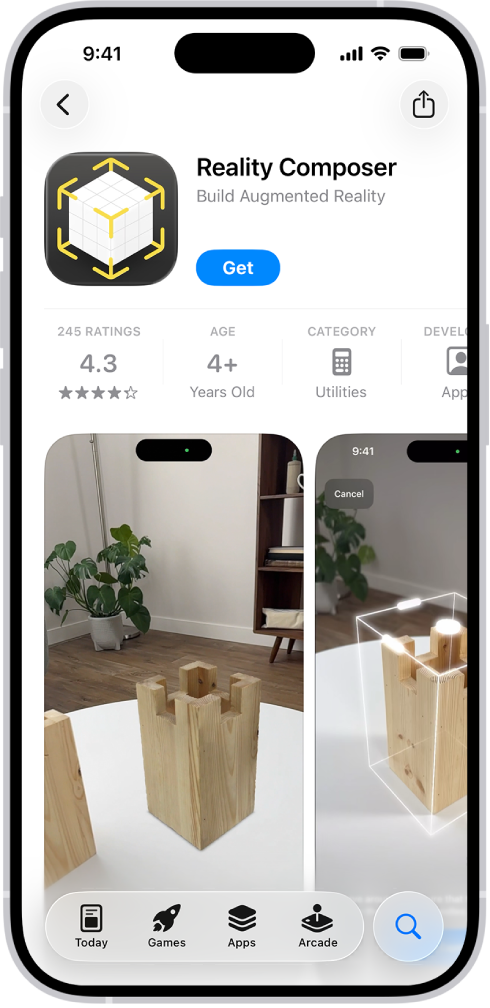
1. Open the App Store
Search for TestFlight and install it from Apple before opening the beta invite.

2. Accept the beta in TestFlight
After TestFlight is installed, tap the ChopUp public invite below and accept the beta build on your device.
Join on TestFlight
Open this link on your iPhone or iPad to join the current ChopUp beta build:
Open TestFlight InvitePublic invite URL
https://testflight.apple.com/join/Qqn9uYNA